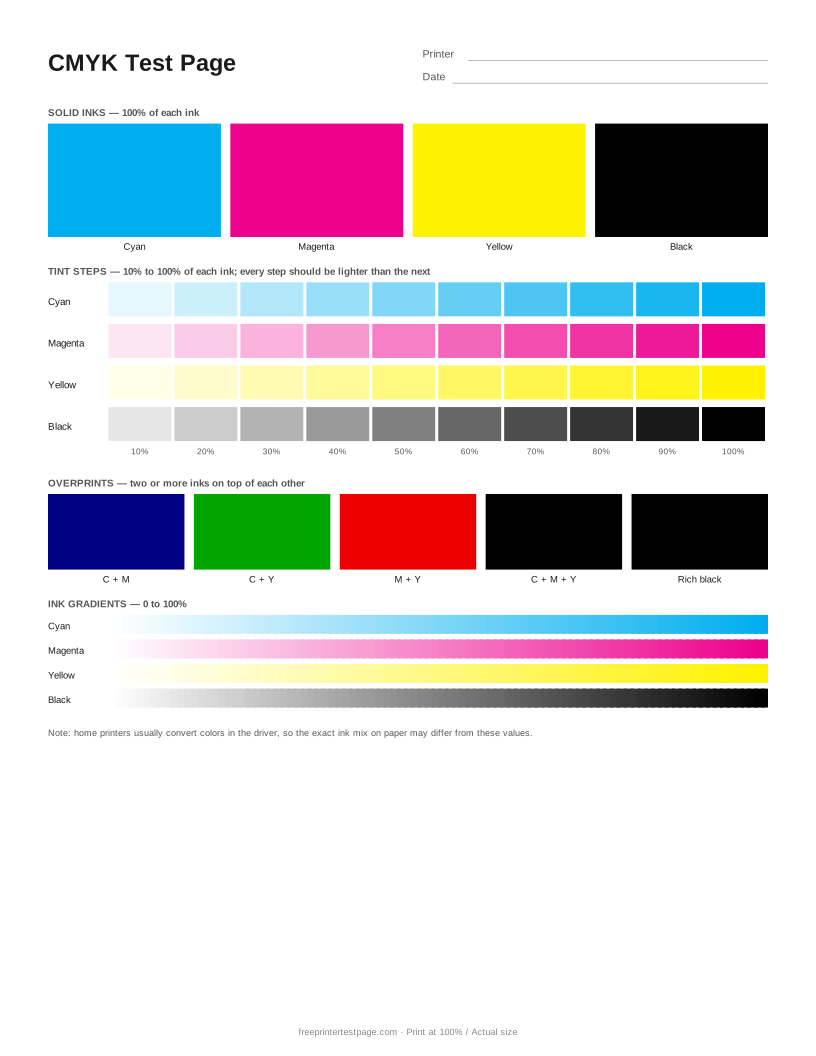
The color blocks in the PDF are defined as CMYK values, not RGB, which makes the page useful for checking each ink on its own. Keep in mind that most home printer drivers convert colors before printing, so the ink actually laid down can differ — use the sheet to compare inks against each other and over time.
How to print it
- Pick the paper size above, and add the printer name and date if you want to keep the printout.
- Click Print test page (or Download PDF and open it).
- In the print dialog, choose your printer and set the scale to 100% or Actual size.Use plain paper unless you are testing photo paper.
How to read the printout
- Solid inks
- Each block should be a clean, even single color. Cyan looking green or magenta looking red usually means a different ink is leaking into it or a cartridge is in the wrong slot.
- Tint steps
- Each row should get steadily darker from 10% to 100%. Steps that look the same show the printer cannot separate those tones.
- Overprints
- C+M should be a deep blue, C+Y green, M+Y red, and C+M+Y a dark brown-black. Rich black should be darker than plain 100% black.
- Ink gradients
- Each strip should fade smoothly. A gradient that starts late or ends early points to that ink printing too light or too heavy.
Something wrong on your print?
Tap the problem you see for the usual causes and what to try.
A color is missing or looks wrong
Usual causes: Empty or dried cartridge, clogged nozzles, protective tape on a new cartridge, or a cartridge or ink bottle in the wrong slot.
- Check ink levels and make sure all protective tape is removed from new cartridges.
- Print the Nozzle Check page (or the printer’s built-in nozzle check) to see which ink is affected.
- Run one head cleaning, then check again. Do not run more than two or three in a row.
- If one color is replaced by another, check that each cartridge or ink bottle is in the right slot.
Grays or whites have a color cast
Usual causes: One ink is partly clogged or running low, color management is applied twice, or the paper type is wrong.
- Run a nozzle check — a weak ink is the most common cause of a color cast.
- Let either the app or the printer driver manage color, not both.
- Choose the paper type that matches your paper and print again.
Gradients show bands or steps
Usual causes: Low print quality setting, partly clogged nozzles, or a paper feed that advances unevenly.
- Print at Best or High quality and turn off any fast or draft mode.
- Run a nozzle check and clean if needed.
- Use the paper type setting that matches your paper; plain-paper settings on glossy paper often cause banding.
Faded or light print
Usual causes: Draft or toner-save mode, low ink or toner, the wrong paper type setting, or partly clogged nozzles.
- In the print dialog, set quality to Normal or Best and turn off draft, economy or toner-save mode.
- Make sure the paper type in the dialog matches the paper in the tray.
- Check ink or toner levels, then run a nozzle check.
More test pages
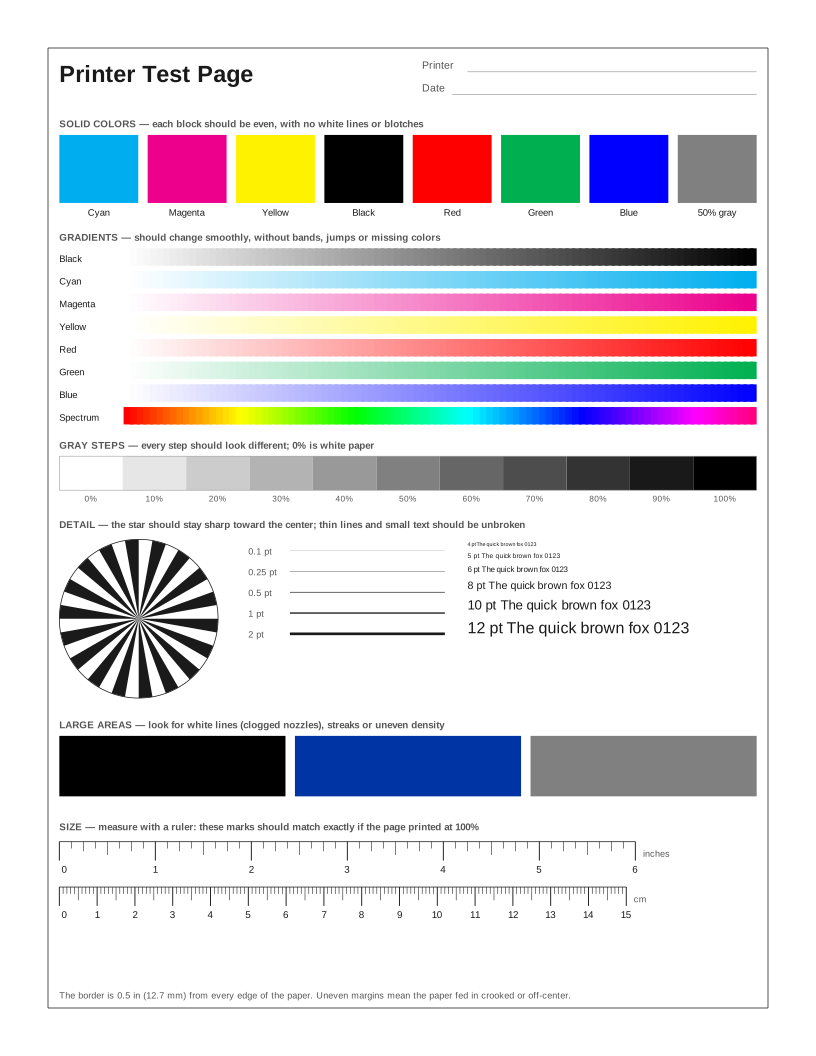 Printer Test Page
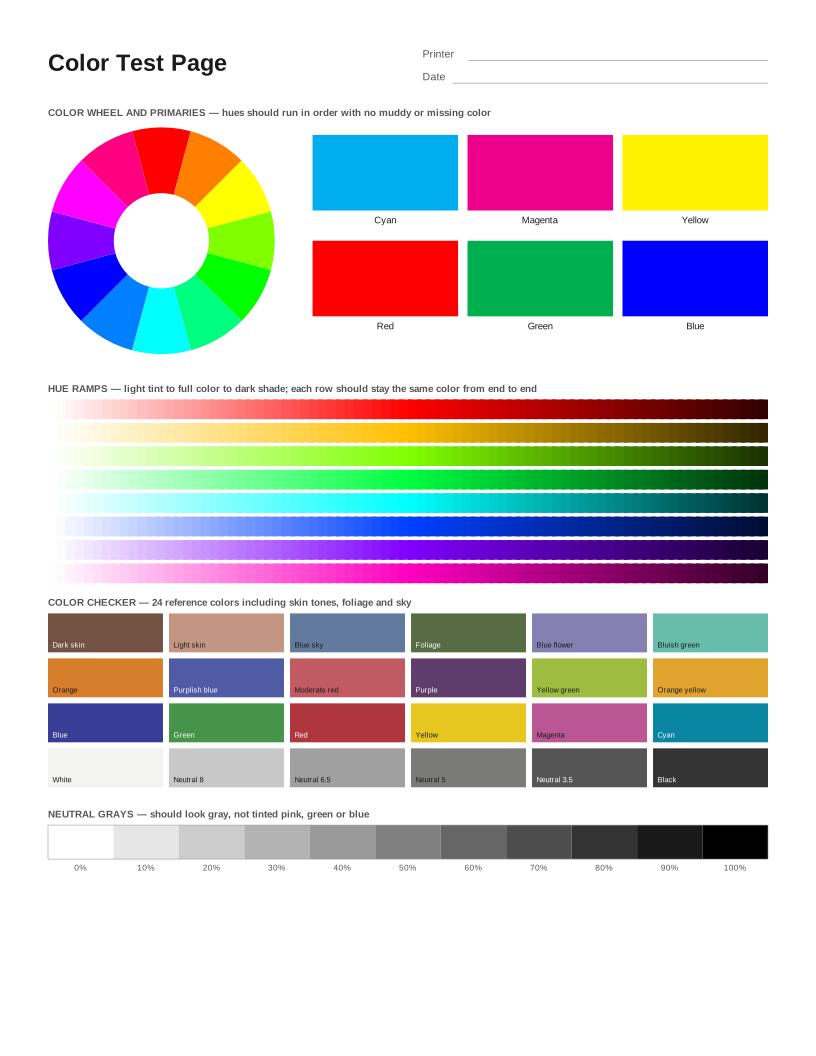 Color Printer Test Page
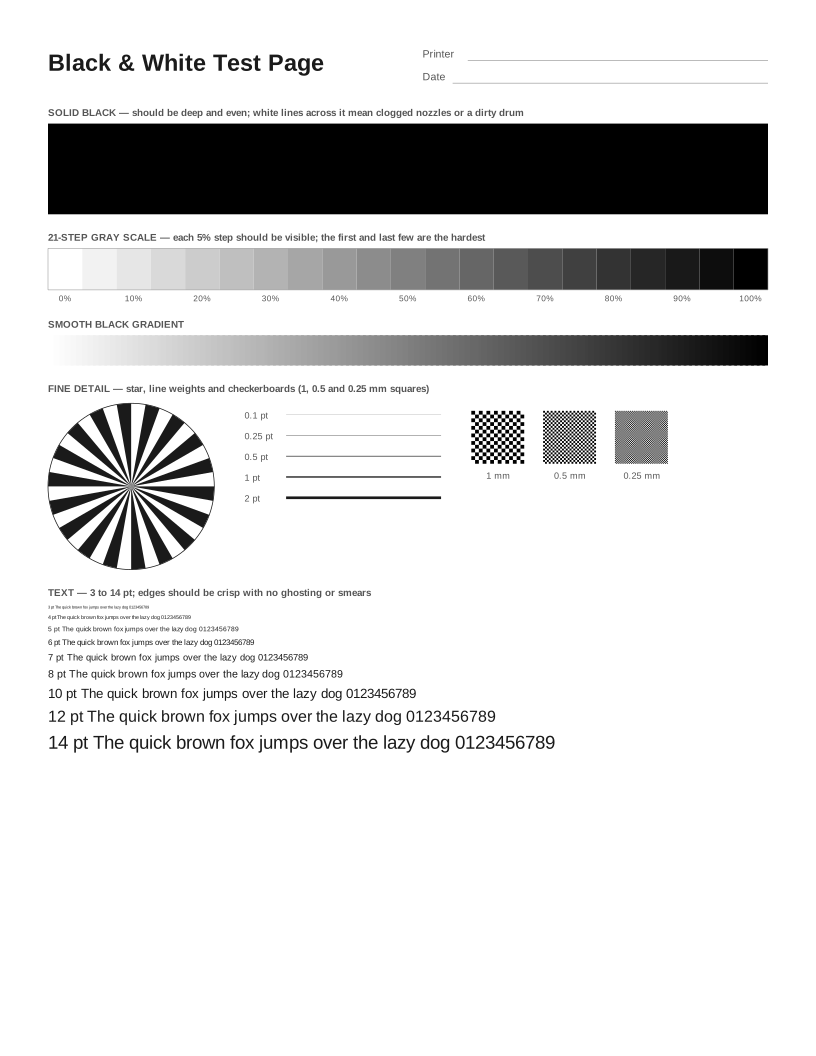 Black and White Test Page
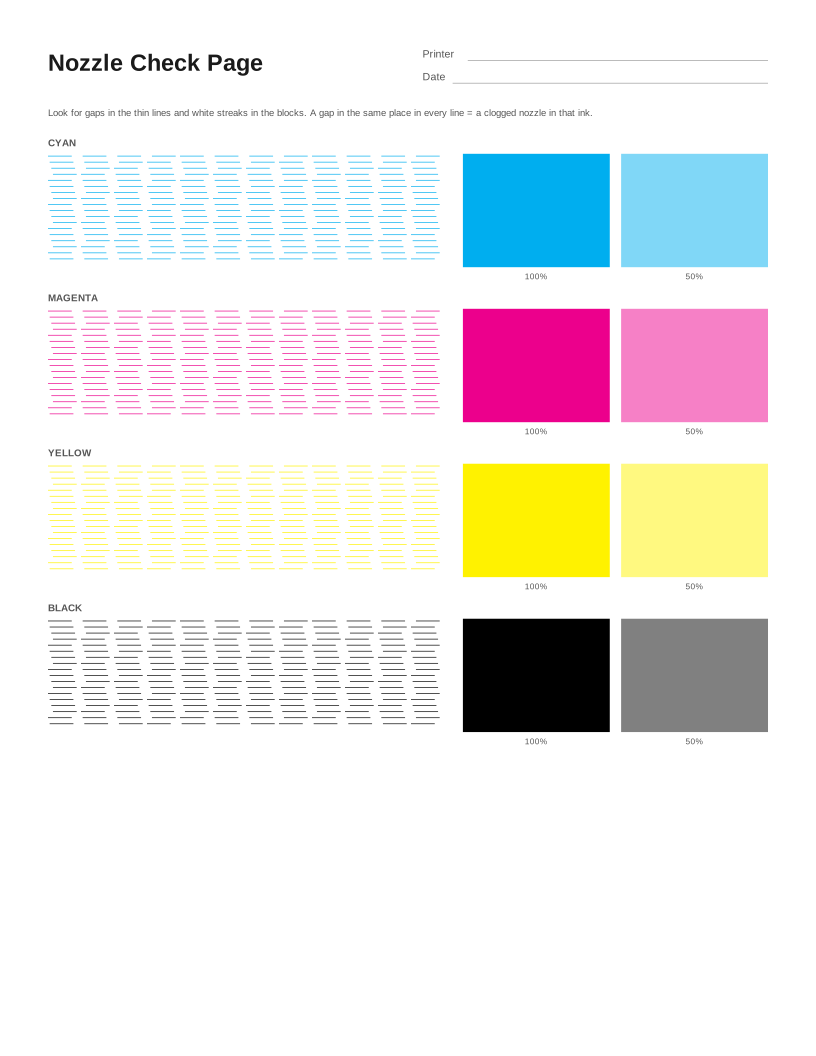 Nozzle Check Page
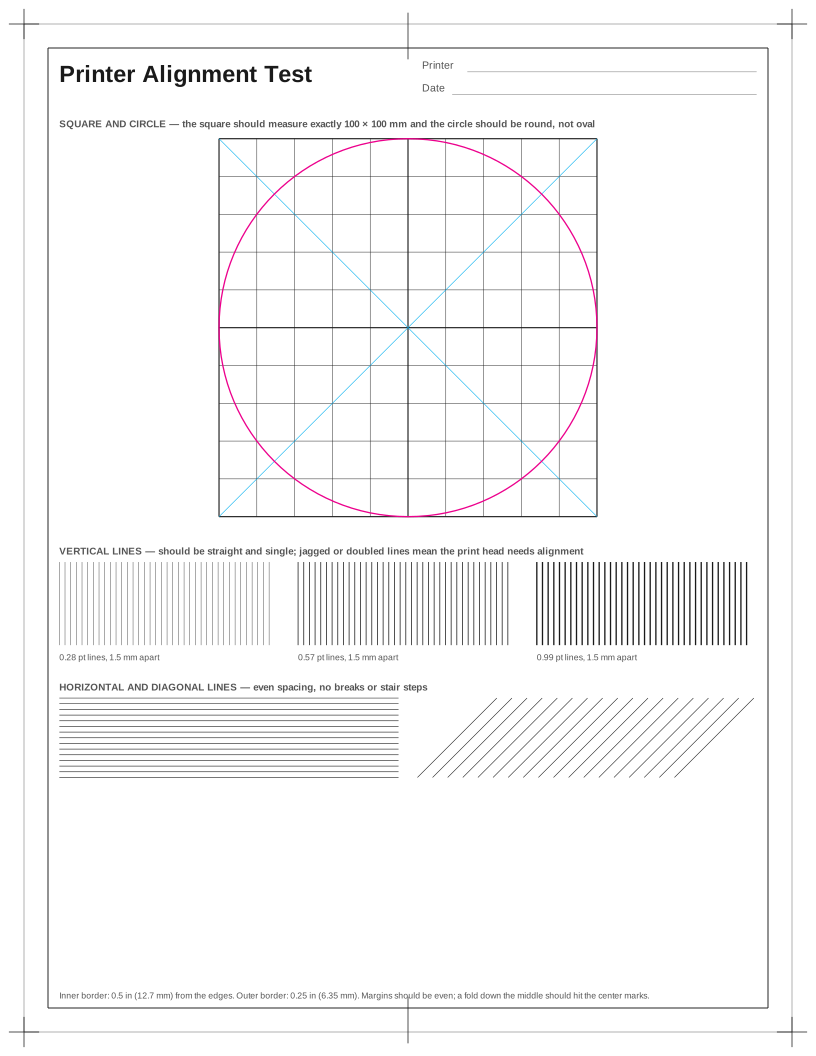 Printer Alignment Test Page
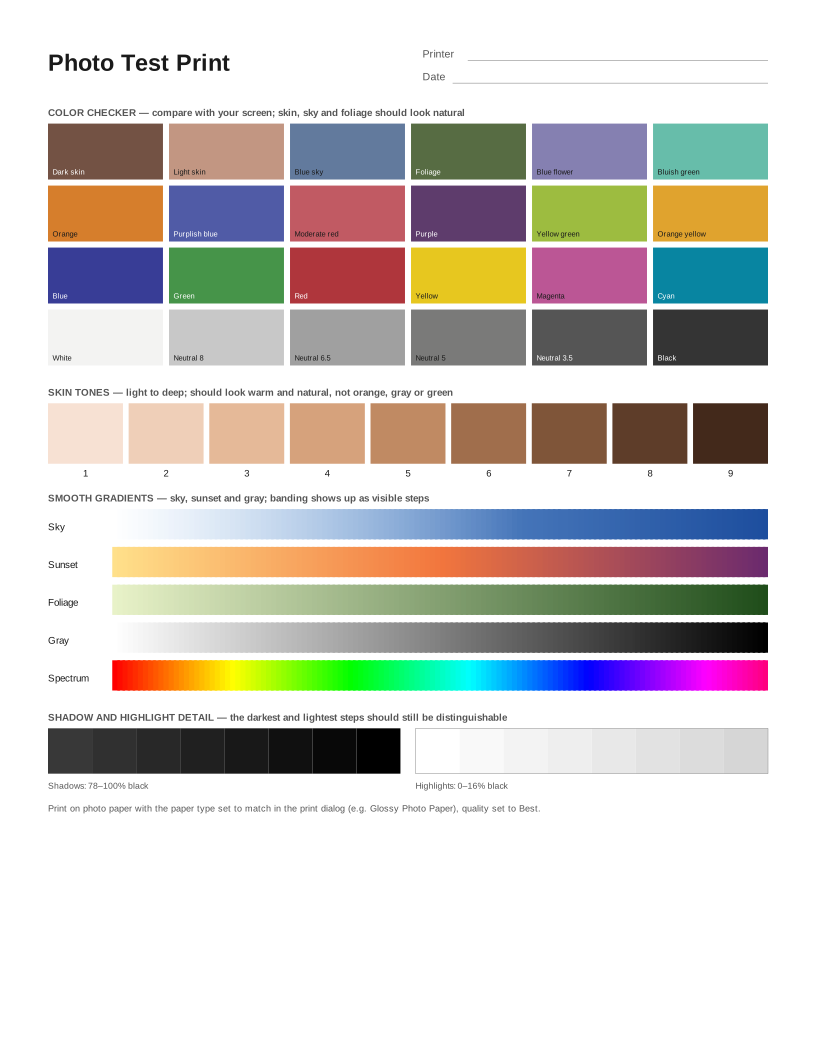 Photo Test Print
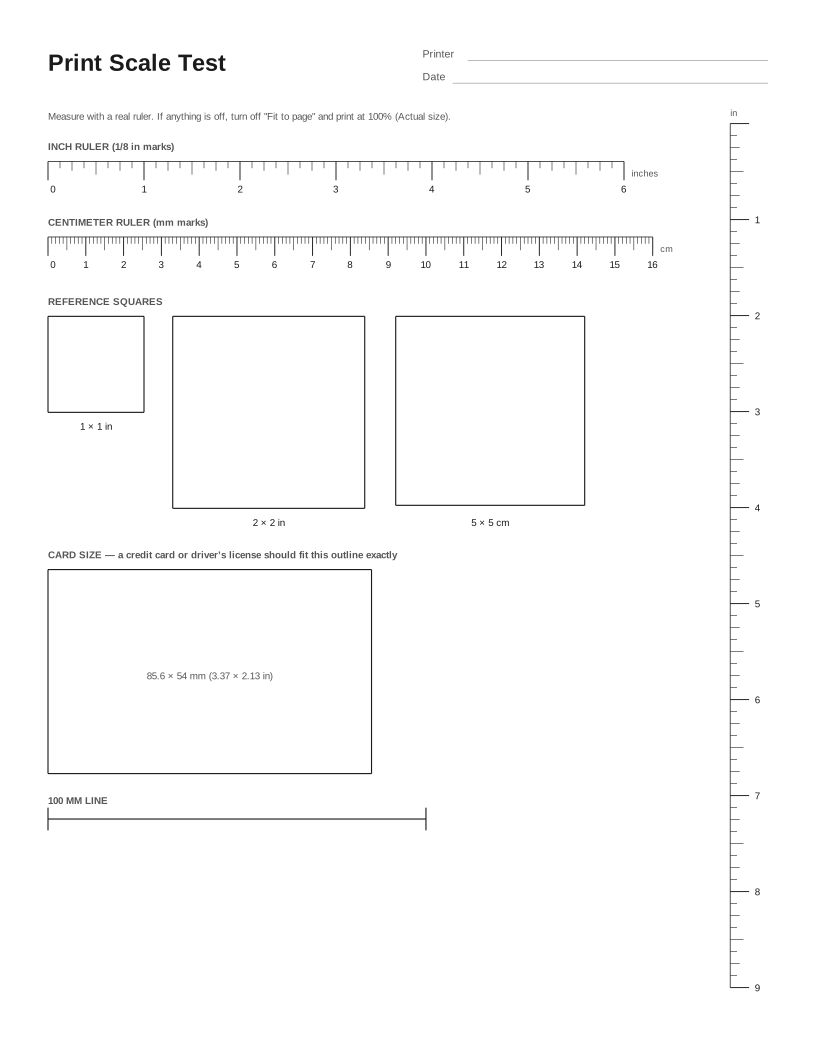 Print Scale Test (Actual Size Check)
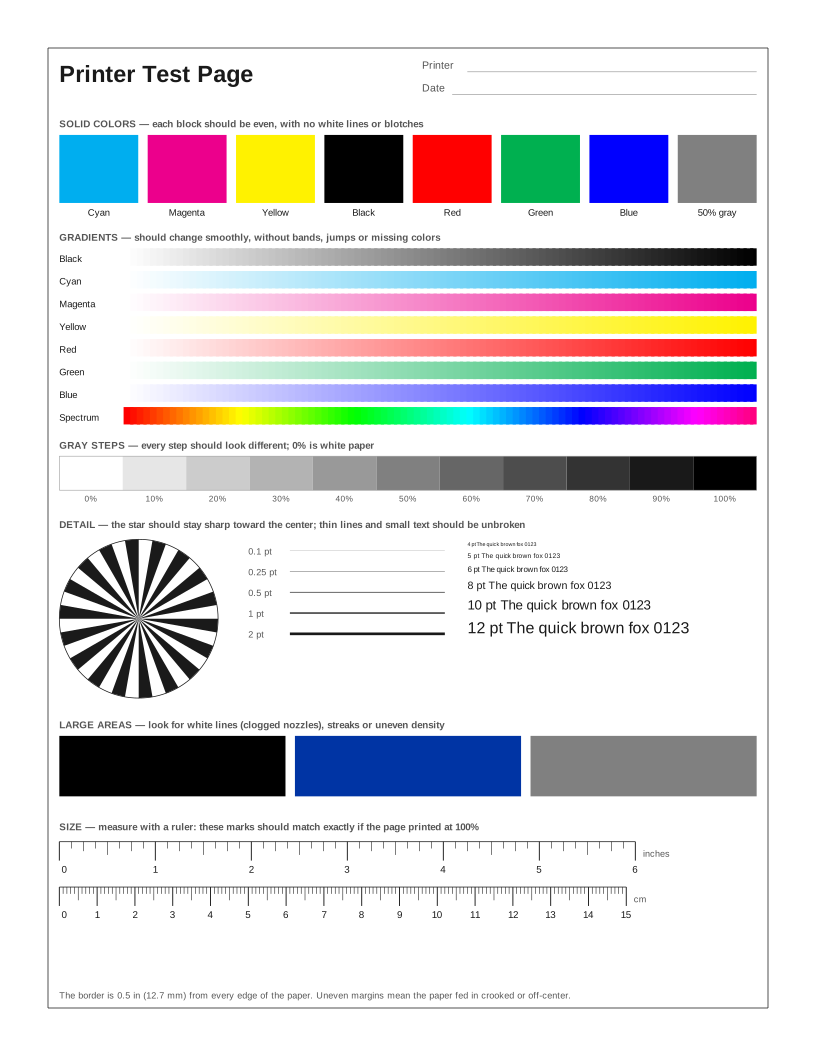 HP Printer Test Page
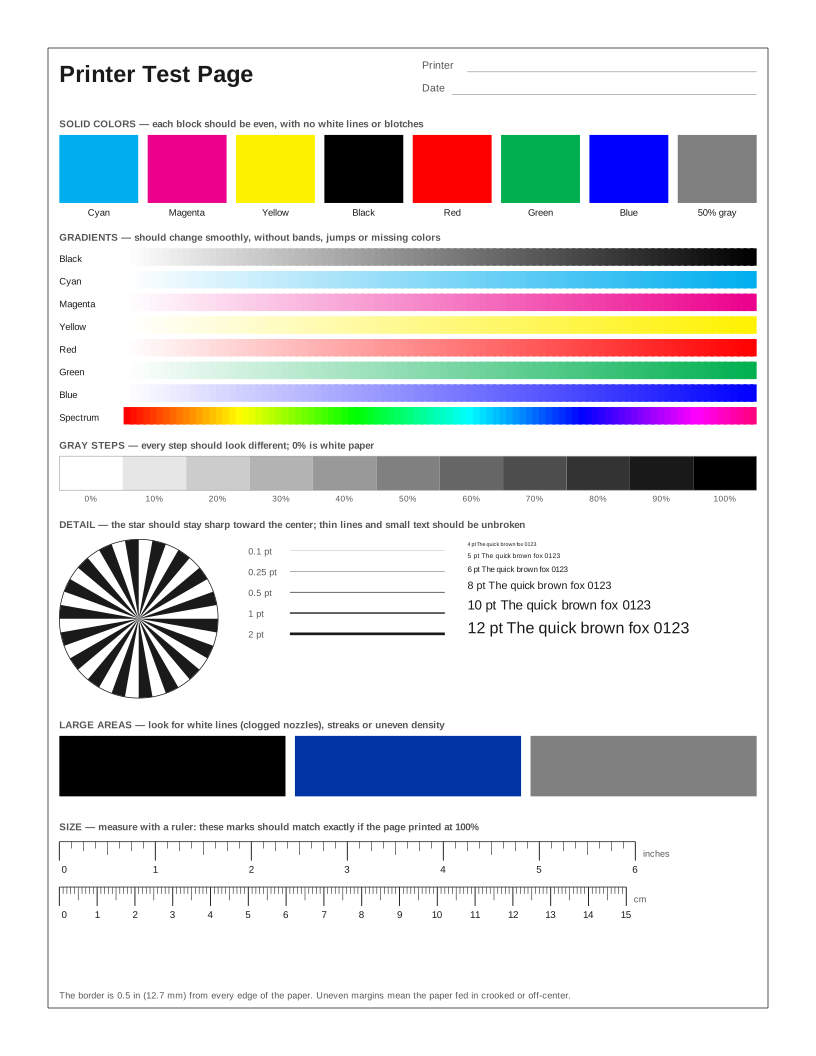 Epson Printer Test Page
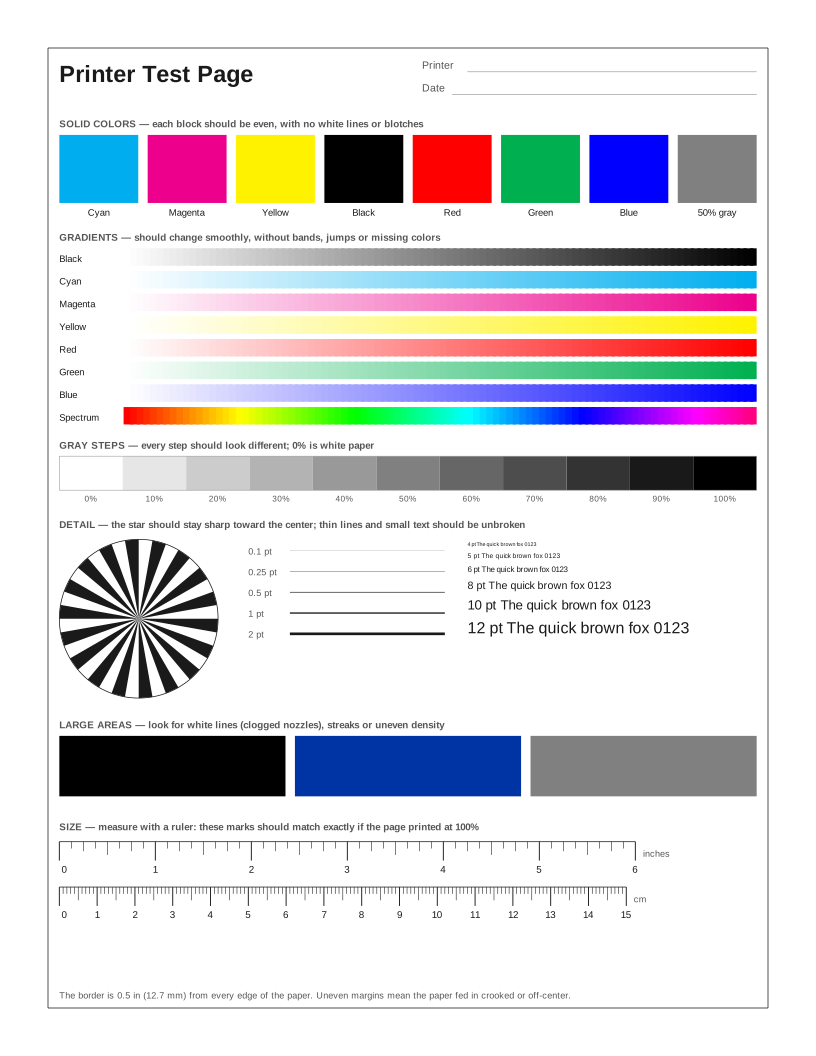 Canon Printer Test Page
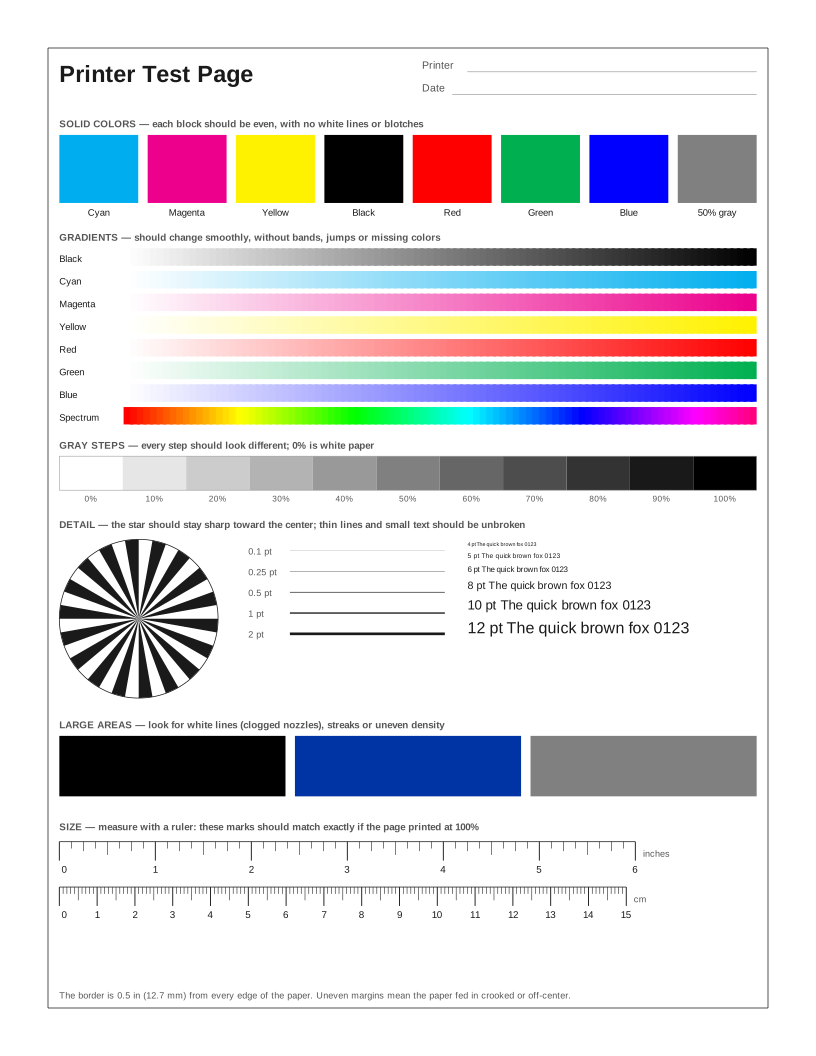 Brother Printer Test Page
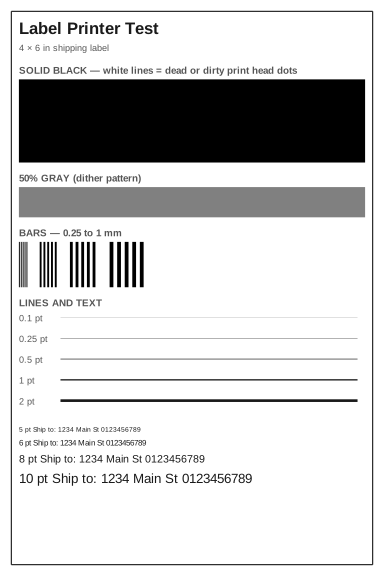 Label Printer Test Page
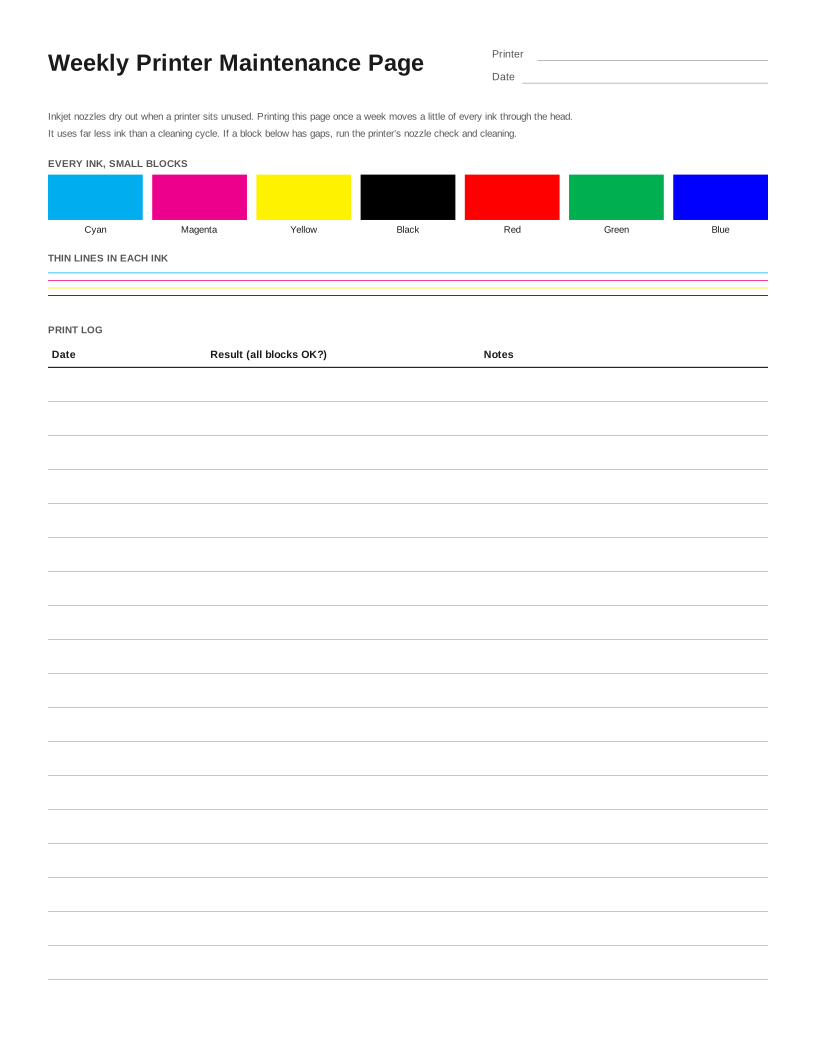 Weekly Inkjet Maintenance Page
Frequently asked questions
What does CMYK stand for?
Cyan, magenta, yellow and key (black) — the four inks used in most color printing. Mixing cyan, magenta and yellow makes the other colors; black is added for deep shadows and sharp text.
Will my home printer print exact CMYK values?
Usually not. Most home inkjets accept RGB from the computer and convert it to their own inks in the driver. Professional printers and RIP software can print CMYK directly. The test is still useful for spotting a weak or missing ink.
What is rich black?
Black made from black ink plus some cyan, magenta and yellow. It looks deeper than black ink alone and is used for large dark areas, but not for small text, where any misalignment of the inks shows as colored edges.